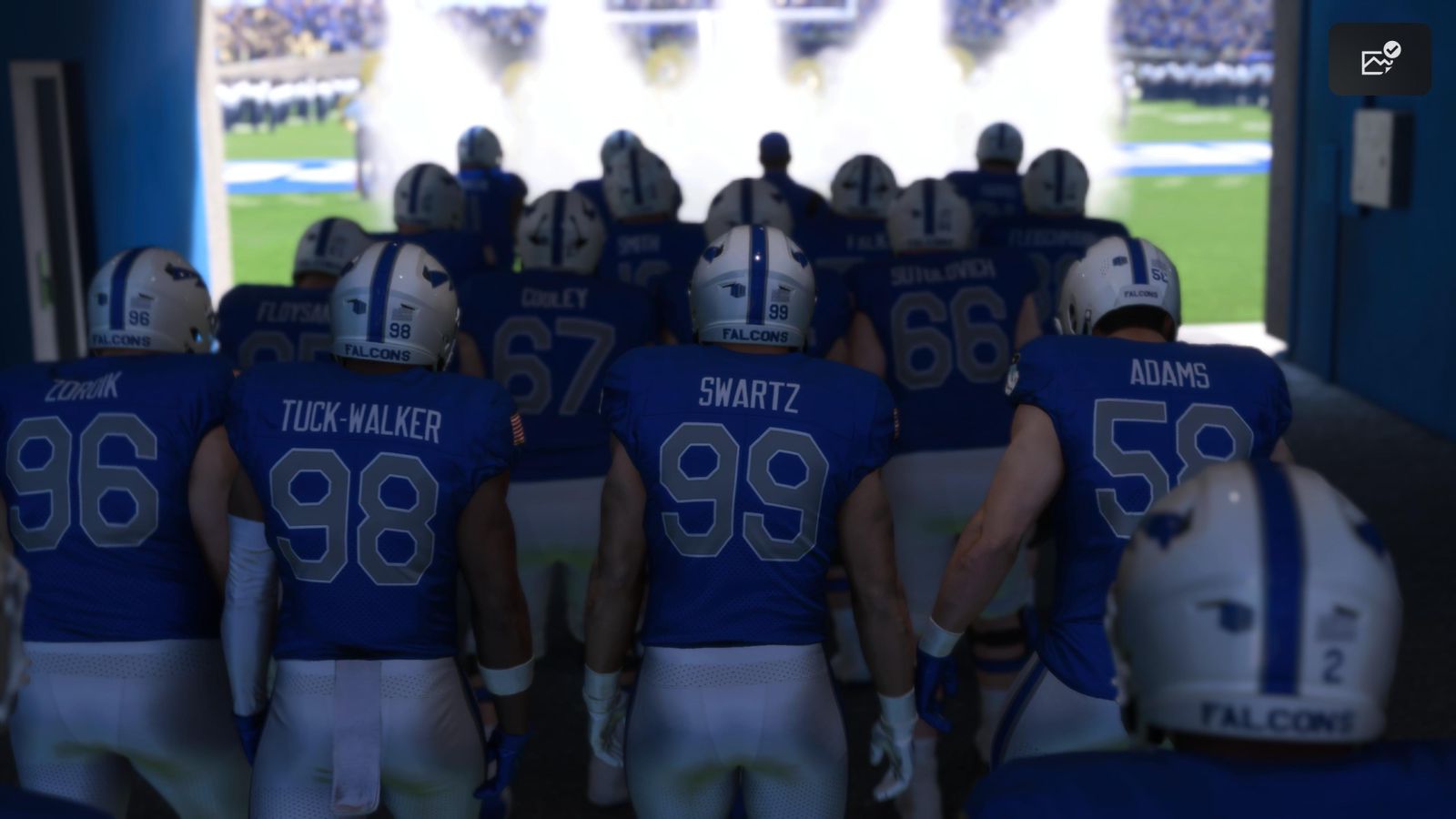
EA Sports' College Football 25 successor, College Football 27, demands optimization on PC to run smoothly. Players chasing high frame rates without stuttering need to dial in the right graphics settings.
The game scales across hardware tiers, from budget builds to high-end rigs. Disabling ray tracing delivers the biggest FPS boost. Most players see 60-plus frames at 1440p with ray tracing off and settings at High or Medium. Dropping to Medium textures and shadow quality nets another 20-30 FPS without killing visual fidelity.
VRAM matters here. The game recommends 8GB, but 6GB systems can run it at Medium settings, 1080p. Players with RTX 3060 or 4060 cards should cap settings at High to maintain 144 FPS targets at 1440p. RTX 4070 and above handles Ultra at solid frame rates.
CPU bottlenecks appear on Ryzen 5 5600X and older Intel i5 chips when pairing with high-end GPUs. Disabling physics-heavy crowd details and reducing draw distance helps older processors keep up.
Monitor refresh rate shapes your target. 60Hz displays don't need aggressive tweaking. 144Hz+ players should prioritize FPS over eye candy. Most guides recommend capping framerate at monitor refresh to avoid screen tearing, even with fast hardware.
The game's licensing of real college stadiums and teams comes with a rendering cost. Dynamic weather effects and player shadows load heavily on older systems. Turning off dynamic shadows alone can push 10-15 FPS gains on mid-range cards.
College Football 27 runs best on clean driver versions. NVIDIA's latest GeForce drivers and AMD's Adrenalin software minimize crashes and hitching. Players report